
Situation
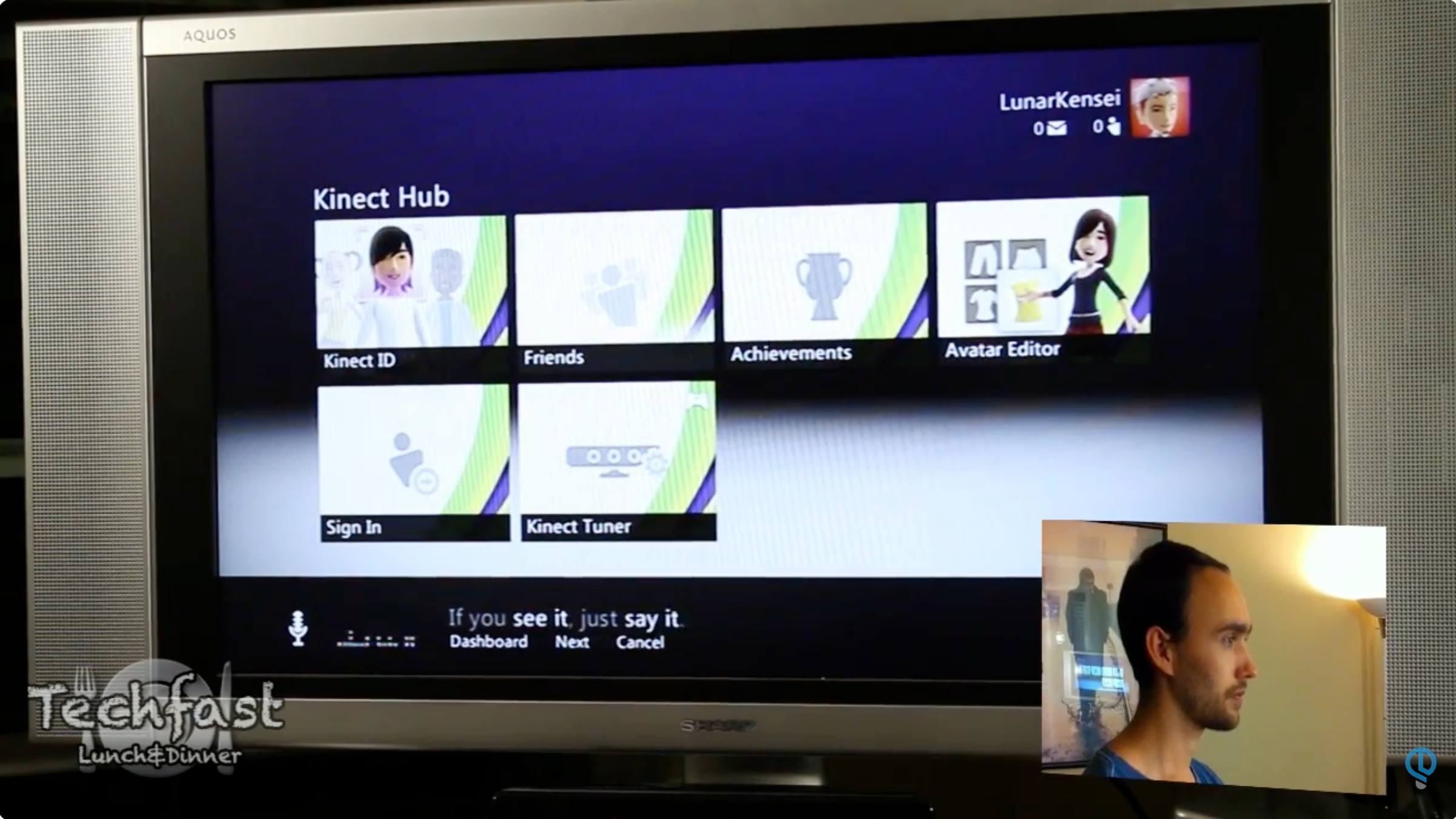
Although Xbox Kinect (launched 2010) is remembered primarily for allowing gesture-based, controller-free gaming, it was also the first consumer product to support far-field voice recognition, predating Amazon’s Alexa (2014). The initial experience (to which I had contributed guidelines and design direction/strategy) was limited to a very small set of words and phrases at any given moment; however, we knew that future versions could be more flexible, and wanted to explore what a more conversational experience would look like, to help inform future investments.
Task
We (the lead researcher, another multimodal UI designer, and me, acting in the dual role of voice designer and design technologist) decided to deliver a proof-of-concept of a conversational search mechanism for entertainment content. We aimed to deliver a multimodal UI that could be a plausible evolution of the existing Xbox interface, but with a more conversational experience, enabling multi-turn search conversations.
Action
We began by identifying two key user needs for entertainment search: “I know what I want to watch”, and “I don’t know what I want to watch”. In the former case, we felt that “Play X” would be a generally effective solution. The latter case was more complex, so we decided to create a prototype to explore it.
I developed a prototype that would run on a Windows PC, using the .NET architecture for the UI. This prototype used an experimental “conversational speech” engine provided by our research engineering team to display realtime speech recognition feedback, but was otherwise human-controlled using the “Wizard of Oz” style for a user study.
We encountered several key design decisions through developing this prototype.
How would we get the user started searching for movies?

We used a “Mad Libs” model to show example utterances that the user might speak to get the desired results – example phrases with blanks that could be filled in with various example attributes shown around it.
Should the spoken feedback (i.e., text-to-speech) match the on-screen feedback exactly?

We decided to split the visual and spoken phrases, using the visual UI to show a “breadcrumb” path through the multi-turn conversation to the current faceted result, and speaking only a confirmation of the immediate last turn. This is consistent with cognitive research that shows that displaying the exact text that is spoken on screen can actually slow down comprehension.
Should the system show speech feedback as the user is speaking, or after they’re done?

This was one of the key questions in our user study. Would customers prefer a more responsive approach that might show early, incorrect interpretations of their words before eventually getting to correct recognition, or would they prefer only to see the best effort of recognition after it was complete?
After testing both approaches, we concluded that the responsiveness of the “continuous” approach was more salient to users than the negative consequences of showing early recognition results.
Results
Based on the prototype and results from our user study, we published a paper at the 2013 CHI Conference. The lessons learned from this proof-of-concept, particularly around how textual and spoken feedback were provided, were later reflected in Microsoft’s Cortana voice assistant.